
Future of eSIM in Pakistan, With many new brands and manufacturers coming out with e-sim enabled smartphones, Pakistan has witnessed a rise in the curiosity for virtual sim technology. Be it the new iphone, samsung galaxy or other new smartphones, understanding your e-sim and how it works will make activating your phone easier than before.
Although the e-sim is easy to use, you need to be registered with the Pakistan Telecommunication Authority (PTA) and your network provider to activate your phone. Knowing these requirements will help you save time and avoid some inconveniences when you activate your new phone.
Read this post to know what an e-sim is, its uses, availability in Pakistan, and more details about switching to a virtual sim.
Check: Sim Owner Details Pakistan
What Is an eSIM?
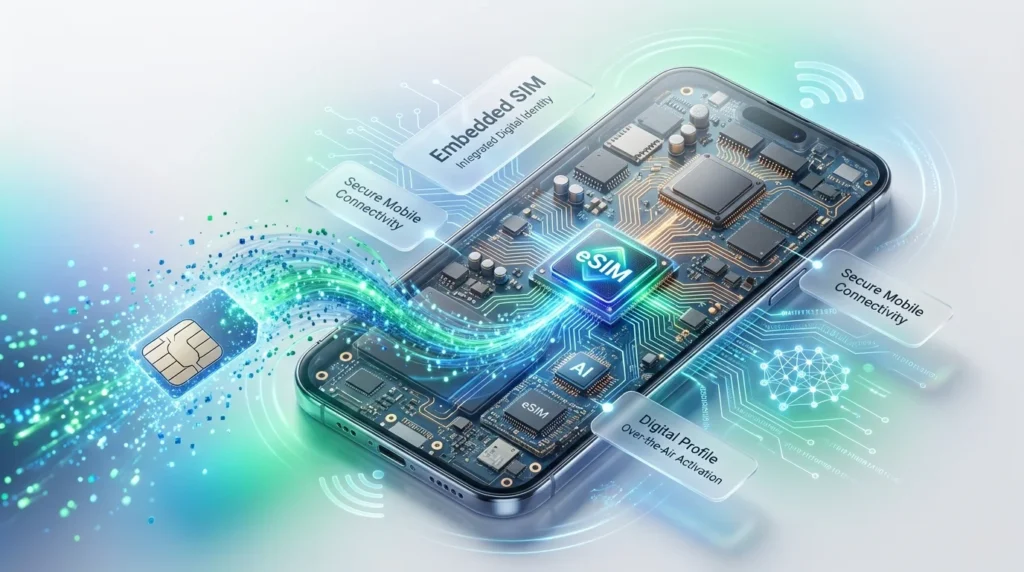
An eSIM (Embedded Subscriber Identity Module) is nothing more than a software version of the SIM cards we use in our mobile devices. The main difference with the eSIM is that it is permanently embedded in the device itself. Instead of using a physical SIM card to activate the data plan on the device, the user downloads the mobile network profile from their favorite network provider.
Once activated, an eSIM has exactly the same functionality as a regular SIM card. However, since it is built into the device, there is no need to have a separate physical SIM card. This allows for a lot of flexibility in terms of managing cellular connections.
For example, many compatible smartphones can store multiple eSIM profiles, enabling features like having separate work and personal numbers, or simply switching between supported networks with greater ease.
As the smartphone market grows and develops, the eSIM is poised to become a staple across flagship devices in the coming years, with potential to trickle down to mid-range devices not too far ahead.
Key Benefits of eSIM
- It eliminates the need for a physical SIM card
- moreover,
- it can be activated remotely and faster,
- allowing a user to store numerous carrier profiles on their device
- in addition,
- it makes it easier to switch between mobile network operators which support eSIM.
- Also, it will make smartphones thinner and more resistant to damage and, if the phone is stolen, the thief will not be able to use it.
- Finally, it will allow manufacturers to come up with new ideas for using eSIM.
Physical SIM vs eSIM
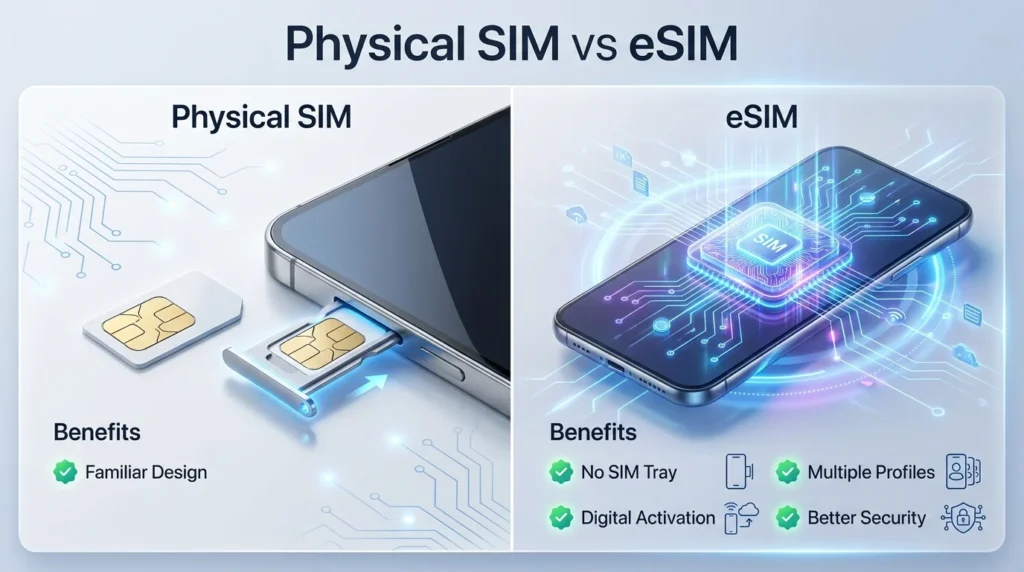
Both physical SIM cards and eSIMs allow you to connect to a mobile network, but they work in different ways.
| Feature | Physical SIM | eSIM |
| Installation | Insert a plastic SIM card | Download a digital profile |
| SIM Tray | Required | Not required |
| Activation | Replace or insert SIM | Scan a QR code or use a digital activation method |
| Multiple Profiles | Usually one or two SIMs | Multiple profiles can be stored on many devices |
| Security | Can be removed from the phone | Embedded inside the device |
| Convenience | Manual SIM replacement | Managed through phone settings |
For most users, both options provide reliable mobile connectivity. However, eSIM offers greater convenience for people who frequently upgrade smartphones, travel internationally, or need more than one mobile number.
Is eSIM Available in Pakistan?
Yes, eSIM services are available in Pakistan for compatible smartphones. Most mobile operators have started providing virtual SIM services, allowing customers to activate their compatible devices without a physical nano-SIM.
The mobile operators most likely to offer eSIM services are:
- Jazz
- Zong
- Ufone
- Telenor Pakistan
How to Check if Your Phone Supports eSIM
Before requesting an eSIM, make sure your smartphone is compatible. While most recent flagship devices support eSIM, many older and budget-friendly phones still rely only on physical SIM cards.
Here are three simple ways to check:
1. Check Your Phone Settings
To determine whether your device is eSIM-capable, go to
Settings → Mobile Network → SIM Manager
or
Settings → Cellular → Add eSIM
and look for the following options:
Add eSIM, Download SIM, or Add Cellular Plan.
2. Find the EID Number
Every smartphone that is capable of using an eSIM has an embedded ID number.
Go to
Settings → About Phone → Status Information
and look for the EID number on the following screen. If you can see this information on your device, it is eSIM-capable.
3. Check the Specifications on the Manufacturer’s Website
If you are still unsure whether your smartphone can use an eSIM, you can check the official website of the manufacturer and look for the specifications of your device’s model.
How eSIM Registration Works in Pakistan
Despite being digital, an eSIM in Pakistan requires the same level of security and identity checks as a regular SIM card. Operators need to identify the customer either when they open a new subscription or port over an existing SIM to an eSIM.
The registration process is generally simple and involves the following steps.
Step 1: Check Eligibility
Before visiting any Telecommunication Service Provider (TSP), make sure that your phone meets the following conditions:
- It supports eSIM. If you have bought the phone in Pakistan, it should also be PTA certified
- it has the latest software updates.
- This will help you save time while activating your eSIM.
Step 2: Visit an Authorized Service Center
- For first-time activations, you will have to visit an official customer service center or an authorized franchise of your mobile network provider.
- You must bring the following items:
- Your original CNIC
- A compatible smartphone
- Your existing SIM card (if you are porting from a physical SIM)
Step 3: Complete Identity Verification
Your representative will guide you through verification steps necessary to issue you a mobile connection as per the verification requirements. This usually entails verification against your CNIC and biometric verification if applicable.
This step plays a vital role in ensuring that your connection remains genuine as per the telecom regulations of Pakistan.
Step 4: get your eSIM activation QR code
- Having successfully passed the verification stage, you will receive an unique activation QR code from your mobile carrier.
- This QR code stores your encrypted mobile network profile that is going to be flashed on your smartphone.
How to Activate an eSIM
After obtaining your activation QR code, connect your smartphone to a stable WiFi network before proceeding.
Proceed with the following steps:
- Open your smartphone’s Settings
- Navigate to Cellular, Mobile Network, or Connections
- Open Add eSIM, Add Cellular Plan, or Download SIM
- Select the option to scan a QR code
- Use your phone’s camera to scan the activation code provided by the telecom operator
- Follow the prompts to download the digital SIM profile
- Wait for the installation to complete and reboot your phone if necessary.
Your phone should now be connected to the mobile network and ready to make calls, send messages, and access mobile data.
Jazz eSIM Activation
Jazz provides eSIM services for a wide range of compatible mobile devices. Additionally, Jazz customers who already have a Jazz number may also be able to convert their physical SIM card to an eSIM, depending on the operator’s current policy.
The standard Jazz eSIM activation procedure is as follows:
- Contact an official Jazz Service Center.
- Provide the CNIC of the applicant.
- Pass the verification process.
- Apply for eSIM activation or conversion from SIM.
- Collect the activation QR code.
- Scan the received QR code with a smartphone.
- Complete the setup wizard.
It is important to note that, in most cases, the mobile phone number will remain the same after the conversion.
Zong eSIM Activation
Zong also provides an eSIM activation facility for eligible smartphones. The activation procedure is almost similar to other operators and makes it easier for customers to switch to a digital SIM.
The activation process includes the following steps.
- The customer has to first visit any authorized Zong Customer Service Center.
- He then has to submit his original CNIC for verification.
- The customer has then to request eSIM activation or SIM conversion.
- The customer will have to download an official QR code and scan it.
- The customer then scans the QR code to download the eSIM profile on his smartphone.
- The final step is to complete the installation and activate the service.
When the customer converts his existing Zong SIM to an eSIM, his existing mobile number remains the same after activation.
PTA Rules and IMEI Registration
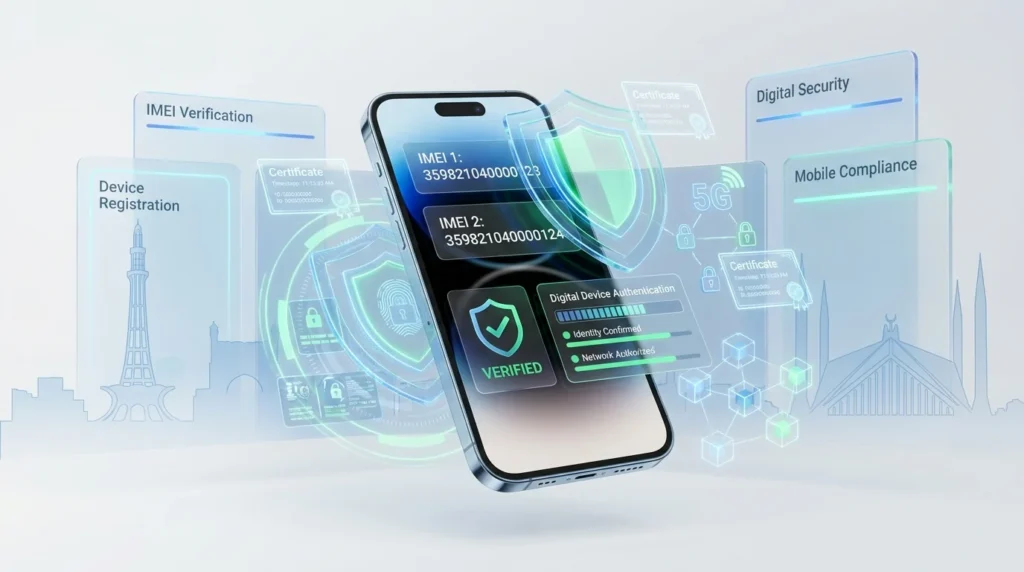
Using an eSIM does not exempt you from having to adhere to PTA regulations for your smartphone.
Any cellular device will have an IMEI (International Mobile Equipment Identity) number which serves as its unique identifier for cellular networks. In case your smartphone is dual SIM capable (physical + eSIM), it is possible that you may have two IMEI numbers.
You can view your device’s IMEI number(s) by dialling the following code on any phone keypad:
#06#
If you bought your smartphone from a foreign market, make sure it is registered with PTA so that you can continue using it on local networks beyond the allowed period as a non-registered device.
Prior to activating an eSIM, make sure your device is PTA approved and capable of using an eSIM. This will save you the trouble of contacting your network provider if your device is not compatible with eSIM technology.
Advantages and Disadvantages of eSIM
Like any technology, eSIM has both benefits and limitations. Understanding them can help you decide whether switching from a physical SIM is the right choice.
| Advantages | Disadvantages |
| No physical SIM card required | Older smartphones may not support eSIM |
| Quick digital activation | Initial activation may require visiting a service center |
| Multiple eSIM profiles can be stored on many devices | Switching devices may require a new activation profile |
| Better protection if the phone is lost or stolen | Availability depends on your mobile operator |
| Easy to manage personal and business numbers | Some budget phones still lack eSIM support |
For most users with compatible smartphones, the advantages of eSIM outweigh the limitations, especially if they frequently upgrade devices or use more than one mobile number.
Common eSIM Activation Problems and How to Fix Them
Although eSIM activation is usually straightforward, you may occasionally encounter a few issues. Here are some common problems and possible solutions.
QR Code Is Not Working
This might occur due to the following reasons:
- QR Code has expired or is already used
- Your phone did not read the QR Code correctly
- There was no good light while scanning the QR Code
What to do:
Ensure that you are connected to Wi-Fi
Try to scan in good lighting
If you need to activate the eSIM with another QR Code, contact your mobile network operator.
“Add eSIM” Option Is Missing
Your phone model might not provide an “Add eSIM” option;
Your phone’s software might need an update;
What to do:
- Update your phone’s software to the latest version
- Research if your phone model supports eSIM before activation
- Contact your phone manufacturer
Mobile Network Is Not Available
In case your eSIM was activated correctly, but you cannot see a mobile network:
What to do:
- Restart your smartphone
- Ensure there is mobile network coverage in your area
- Ensure eSIM is enabled in your phone’s settings
- If none of the above resolves the issue, contact your mobile operator
PTA Compliance
Some imported smartphones that are not suitable for Pakistan are blocked by PTA.
Before activating eSIM, ensure your smartphone is PTA compliant.
Tips to Consider Before Switching to an eSIM
Following are a few tips that might assist someone in case they decide to switch from physical SIM to eSIM:
- Verify the eSIM compatibility of smartphones
- Before making the transition to eSIM, make sure to back up all the contacts saved on the mobile device in question.
- Keep the physical CNIC handy until the eSIM is activated
- Make sure that the phone is connected to the internet/Wi-Fi while downloading the eSIM profile.
- Keep the instructions provided for activating your eSIM until the activation is completed.
Only visit the certified customer care centers to activate your eSIM. These measures can ensure you a hassle-free experience when activating your eSIM.
Frequently Asked Questions
Is eSIM available in Pakistan?
Yes. The major local operators offer eSIM solution for most of the compatible devices. It depends on your phone’s model and operator.
Can I convert my physical SIM to eSIM?
In most cases yes. If your phone is compatible then your operator most likely will be able to transfer your old SIM balance to your new eSIM after identity verification.
Which phones have eSIM?
Most of the flagship devices from Apple, Samsung, Google and other manufacturers have eSIM. You need to check your device’s compatibility with eSIM before asking your operator about the activation.
Can I use my phone with both physical and eSIM?
It depends on the phone’s model. Most of the eSIM enabled devices are dual SIM, meaning that they can host 2 numbers at the same time.
Conclusion
eSIM technology is a real breakthrough which allows one to experience the next level of convenience. Being an electronic alternative to standard physical SIM cards, eSIMs offer greater versatility and make it much easier than before to activate a mobile plan, manage multiple numbers and switch between carriers on compatible smartphones.
Prior to activating an eSIM, it is essential to make sure that your desired smartphone is compatible with this innovative technology and approved by PTA.Then, you should contact your preferred mobile network operator and complete their specific activation procedure to enjoy the benefits of virtual SIM cards. In the future, eSIMs are expected to replace physical SIM cards entirely because the former are more convenient and versatile. With time, more smartphones and telecom companies will adopt this groundbreaking technology, fundamentally changing the way people use mobile devices in Pakistan.